
For readers
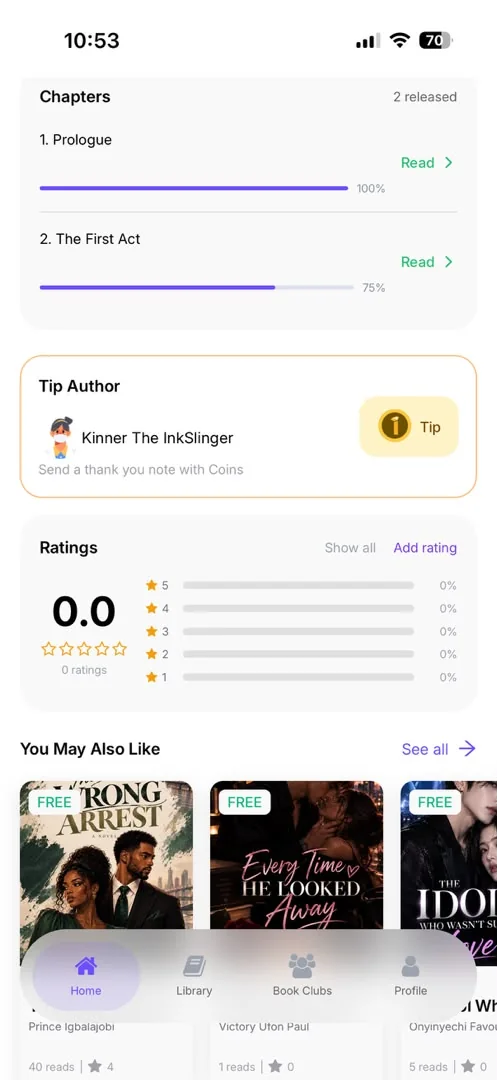
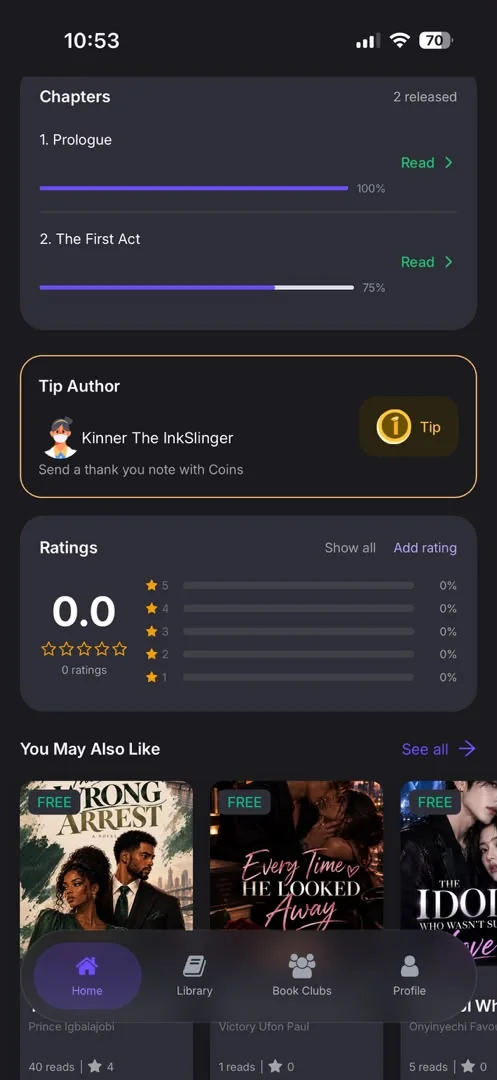
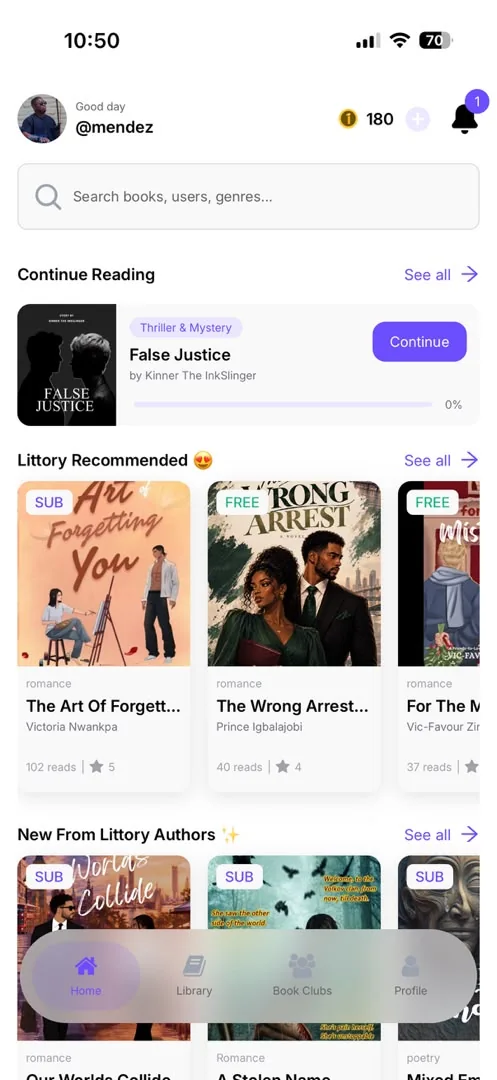
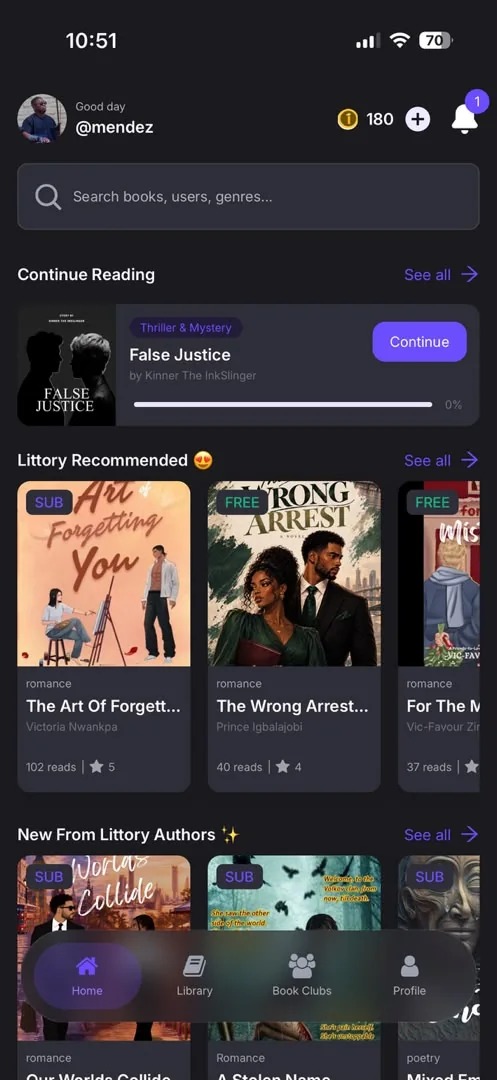
Find a book, read it your way, pay how you like, and talk about it with other readers. Screens from the live iPhone app, October 2026.
Discover
- A personalised home feed: Recommended for You, Top Picks, Trending Now, Popular Reads, You May Also Like
- Browse by genre and category, plus a featured-books shelf
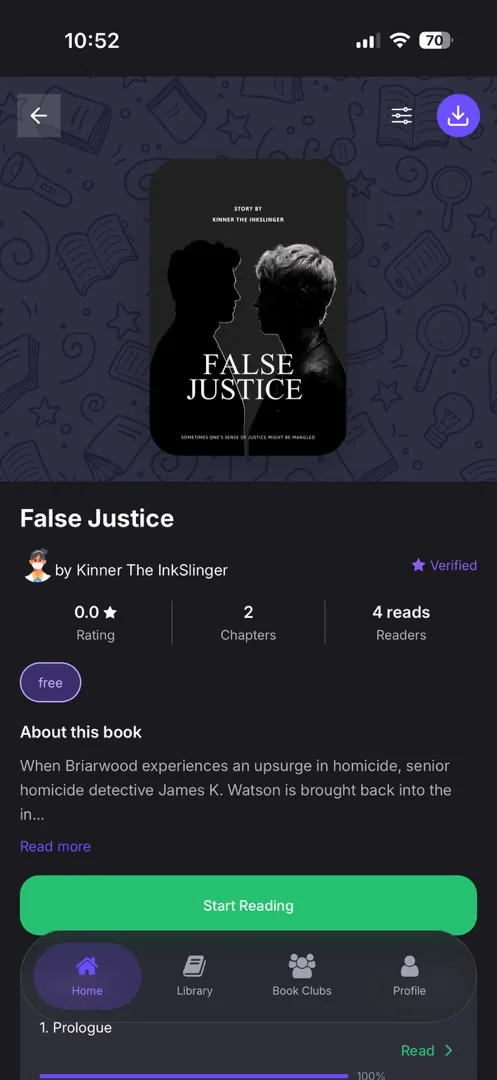
- Book pages with ratings, reviews and threaded replies
Read
- Three reading modes: Scroll, Swipe, and a realistic page-flip with a turning page curl
- Reading themes: Light, Sepia and Dark
- Text and layout settings, auto-bookmark, keep-screen-on, page-turn animation, and turning pages with the volume buttons
- Chapters keep their original formatting and images
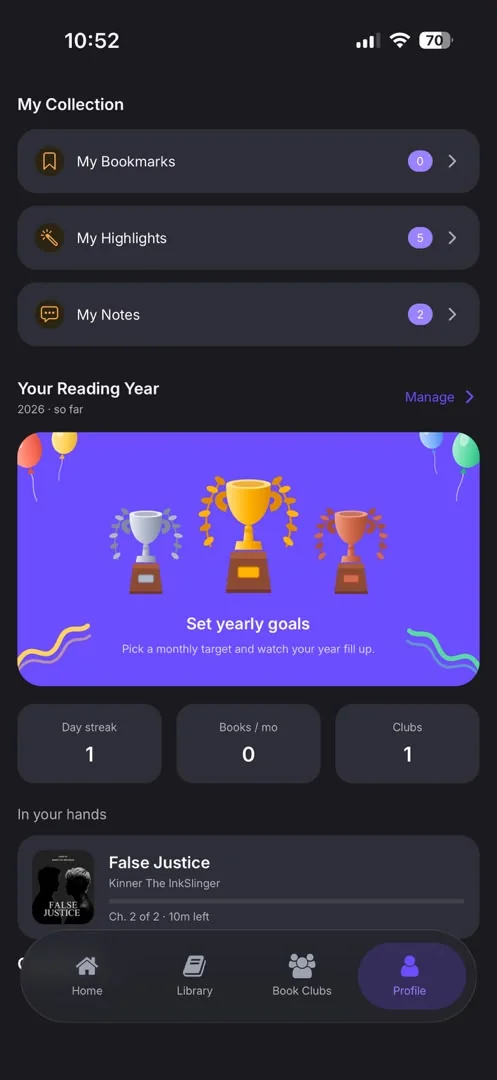
- Highlights, notes and bookmarks
- Comments on chapters
- Progress synced across devices
- Offline downloads, stored encrypted on the phone
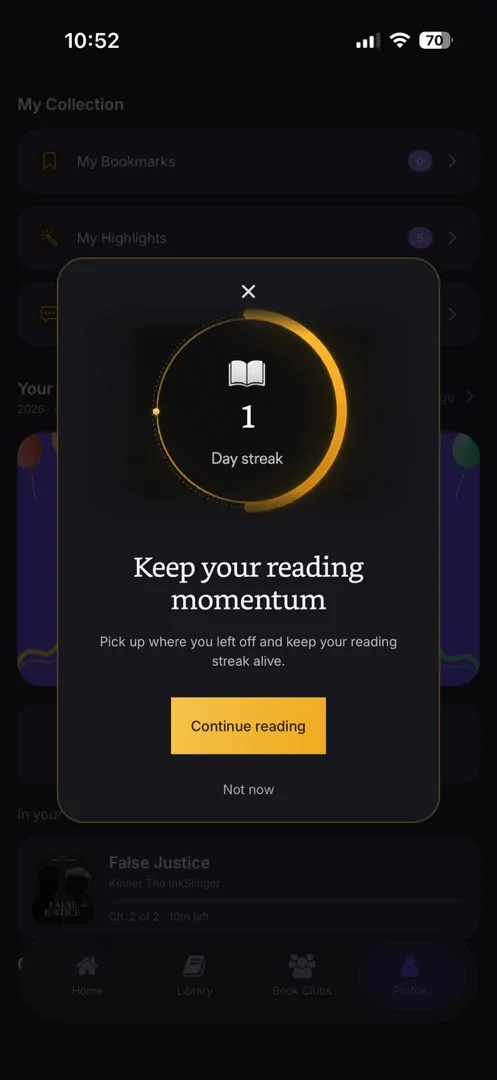
- Reading goals, daily reading time and reading streaks
Own and pay
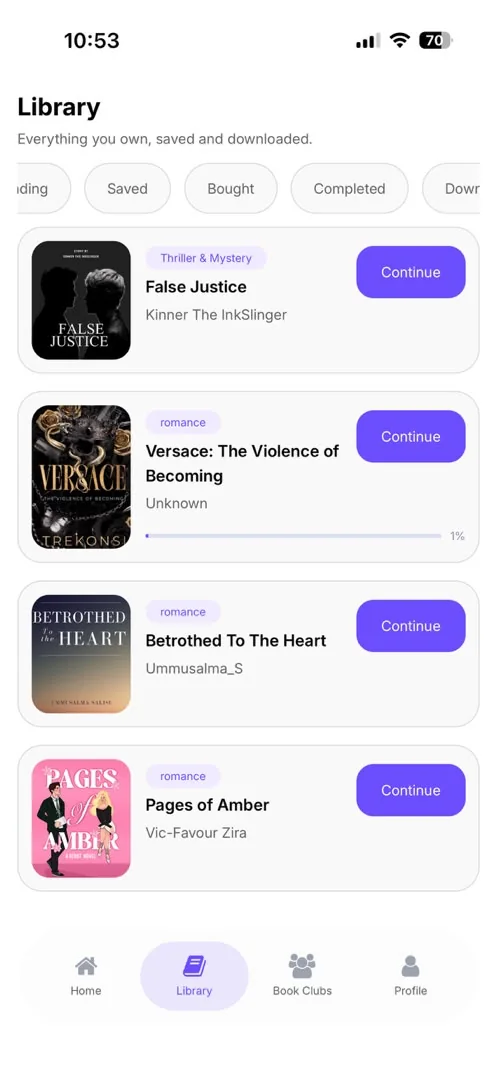
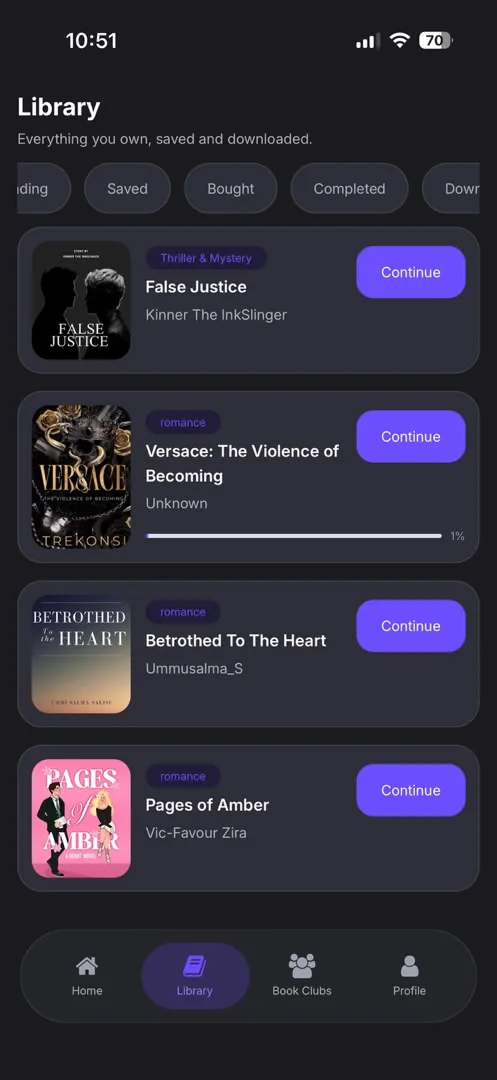
- A library of owned and saved books, plus a "books read" history
- Buy books by card, or unlock them with coins
- A coin wallet with coin packs, including bonus coins
- Subscription plans (Plus and Unlimited) that open the books in their tier, plus a free weekly reading allowance
- Serialised books released chapter by chapter, which can be unlocked one chapter at a time
- Send a book as a gift to another reader
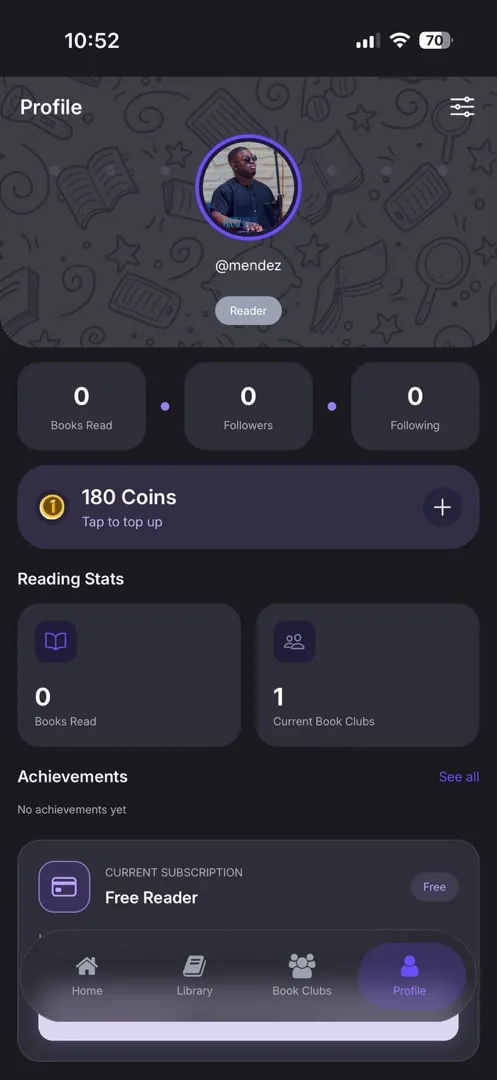
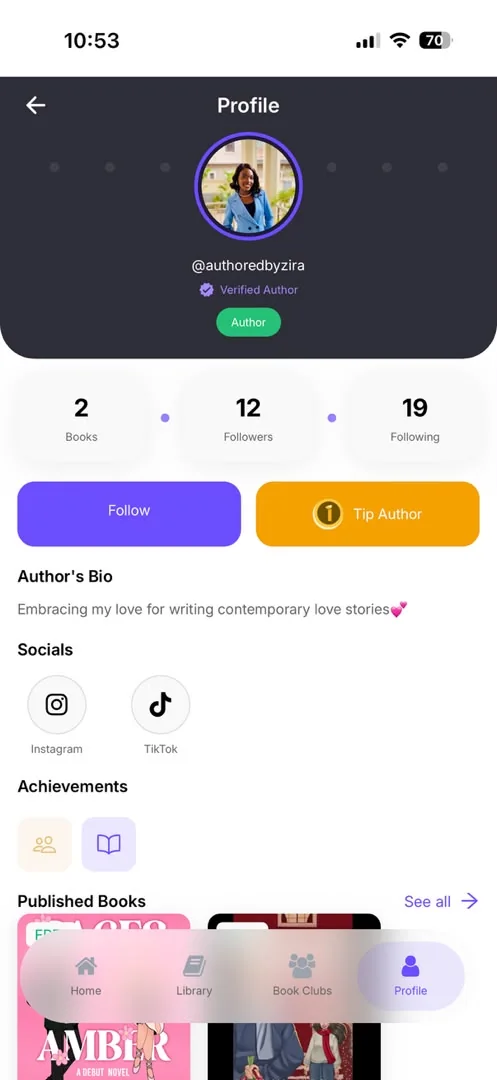
- Tip an author with coins
- Invite friends and earn coins when they join
- Billing history
Community
- Follow authors and readers, with followers and following lists
- Public profiles with verified social links
- Achievements and badges
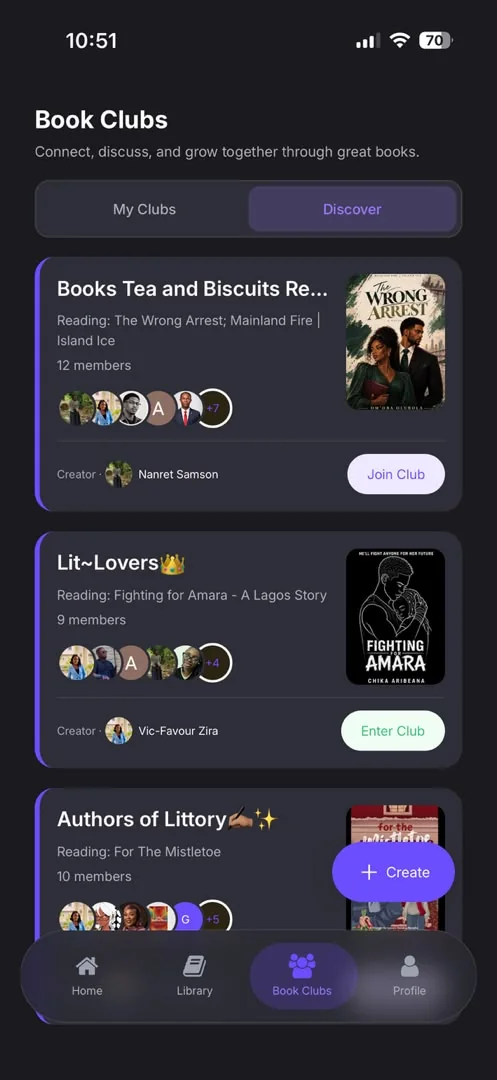
- Book clubs:
- create public or private clubs, and discover others
- join with an invite code, or by request
- group chat with a channel for each chapter
- polls, events and moderator roles
Account and safety
- Sign up with email (verified by a one-time code), Google or Apple
- Choose to be a Reader or an Author when signing up
- Two-factor authentication with an authenticator app
- Manage login sessions and linked accounts
- Password reset; deactivate or delete the account
- Report a book, review, message or user
- Push and in-app notifications with per-category settings. Tapping one opens the right screen.
- A guided feature tour and a Getting Started guide
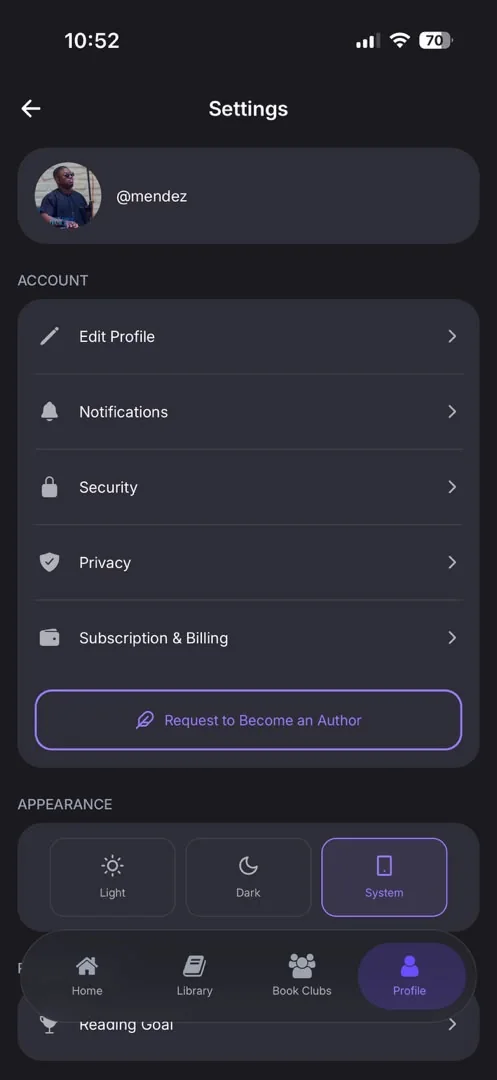
- Light, Dark or System appearance, with an animated sun and moon switch
- In-app update reminders, and an Update Now button that updates the app from inside it on Android
- Help and support, FAQ, bug reports, community guidelines, content policy, terms and privacy
For authors
From application to payout: publish a book, choose how each book or chapter is offered, grow an audience and get paid.
Getting started
- Apply to become an author with a writing sample (EPUB, Word or PDF) and social links
- Clear status screens: submitted, approved, more info needed, not approved
Publishing
- Upload a full book as EPUB or Word. Word files convert automatically.
- Chapters are detected automatically, even when chapter titles are typed rather than formatted as headings
- A chapter check before submitting, where authors can split or join chapters
- A formatting guide
- Serialised books, with chapters scheduled to publish later
- Choose how each book or chapter is offered: free, for subscribers, for Unlimited members, or buy-only. Pricing can be set per book or per chapter.
- Edits to a live book or chapter go to review first, and readers keep the live version until then
Growing and earning
- Pay to feature a book on the home shelf
- Analytics: reads, per-book analytics and recent activity
- Manage comments on their books
- An earnings dashboard with transactions, including tips (100% goes to the author) and a share of subscription revenue based on how much of their book subscribers read
- Withdrawals to a bank account, with the account name checked before payout
- Milestones such as "100 followers" or "₦50,000 earned"
- A public profile preview and verified social handles
Protection
- Books are encrypted when stored
- Uploaded files belong to their uploader and can't be taken by other accounts
- Books are scanned for plagiarism with AI before review
Website, admin and payments
The public website, the team's control room, and the payments that connect readers to authors.
Website
- A landing page and a waitlist
- Shareable links for books, book clubs and author invites
- Secure web checkout pages for coins, subscriptions and books
- Release notes, terms and privacy
Admin dashboardThe team's control room
- Overview, analytics, revenue, payouts, and payout analytics per author
- Books:
- create books on an author's behalf, then edit, read and restructure them
- review queues for submissions, edit requests, chapter uploads and deletion requests
- scheduled publishing, plus a view of stuck uploads
- AI-written review summaries to speed up moderation
- Authors:
- review applications, reading each applicant's sample inside the dashboard
- verify social handles
- manage authors who are not on the app
- Users, reviews, reports, and automatic moderation rules
- Book clubs, achievements, coins, subscriptions, promotions and featured-book plans
- Home-feed curation and genres
- Notification broadcasts
- Legal documents, the release page and the waitlist
- App update controls: the latest store version per platform, a required minimum version, and update pushes
- Payment-provider settings, pricing and currency exchange
- Admin roles and permissions, invites, a full audit log, and CSV exports
Payments
- Card payments through Paystack, Apple in-app purchases on iPhone, and web checkout links
- Author payouts through Flutterwave or Paystack
- Refunds remove the refunded book, and prices convert for buyers outside Nigeria